
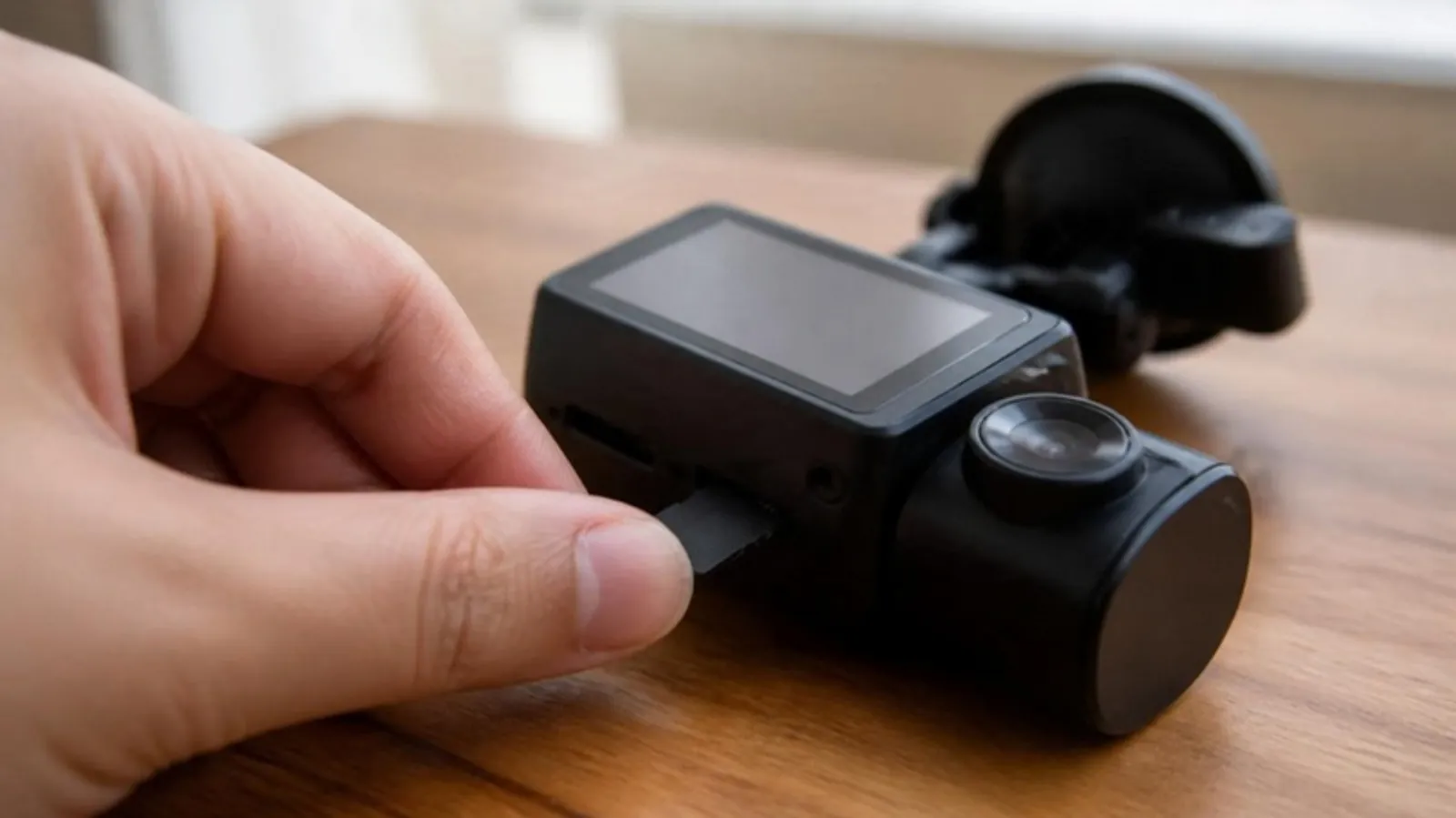
A dash cam rewrites its card all day. Choose a high-endurance card your camera supports, size it for your resolution, and format it about once a month.
Short answer: use a high-endurance microSD card, in a size your camera supports, and format it in the camera about once a month. A regular phone card wears out fast under constant loop recording and can fail without warning.
Why endurance matters
A dash cam writes to its card every second you drive, then overwrites the oldest file. High-endurance cards are rated for that. Two examples from the makers: Samsung PRO Endurance is rated up to 70,080 hours of recording for 128 GB and 140,160 hours for 256 GB, measured at 1080p; SanDisk High Endurance lists up to 10,000 hours for 128 GB and 20,000 hours for 256 GB in Full HD. Those are lifetime ratings, not how much video fits at once.
How much footage fits
On a 128 GB card with one camera, plan for roughly 6 hours of 4K at 45 Mb/s, or about 18 hours of 1080p at 15 Mb/s, before loop recording starts over. A rear or cabin camera and locked event files reduce that. For 4K or multi-camera recording, 128 GB or more is a good start, if your camera accepts it.
Check your camera's limit first
Every camera has a maximum. Our 4K Front and Rear Dash Cam takes cards up to 64 GB, while the 2K 3-Channel Dash Cam takes up to 128 GB. A larger card may not be recognized. We sell 64 GB and 128 GB cards matched to our cameras.
Keep it healthy
• Format the card in the camera, not on a computer, about once a month, after saving clips you want to keep.
• Watch for warning signs: card error messages, repeated beeps, gaps in recordings, files that will not play, or a card that will not format.
• Replace a card that shows those signs; it is cheaper than losing the one clip you need.
• Glance at your footage every few weeks to confirm it is recording.
Frequently asked questions
Can I use the card from my phone?
It will work for a while, but phone cards are not built for constant rewriting. A high-endurance card lasts much longer.
What speed class do I need?
Class 10 or U1 works for 1080p and 2K. For 4K, most makers recommend U3.
Why does my camera ask me to format the card?
It found errors or a card formatted elsewhere. Save important clips first, then format in the camera.
Sources
• Samsung PRO Endurance 256 GB
• SanDisk High Endurance microSD
• VIOFO: recommended memory cards
• VIOFO: why and how to format the card