
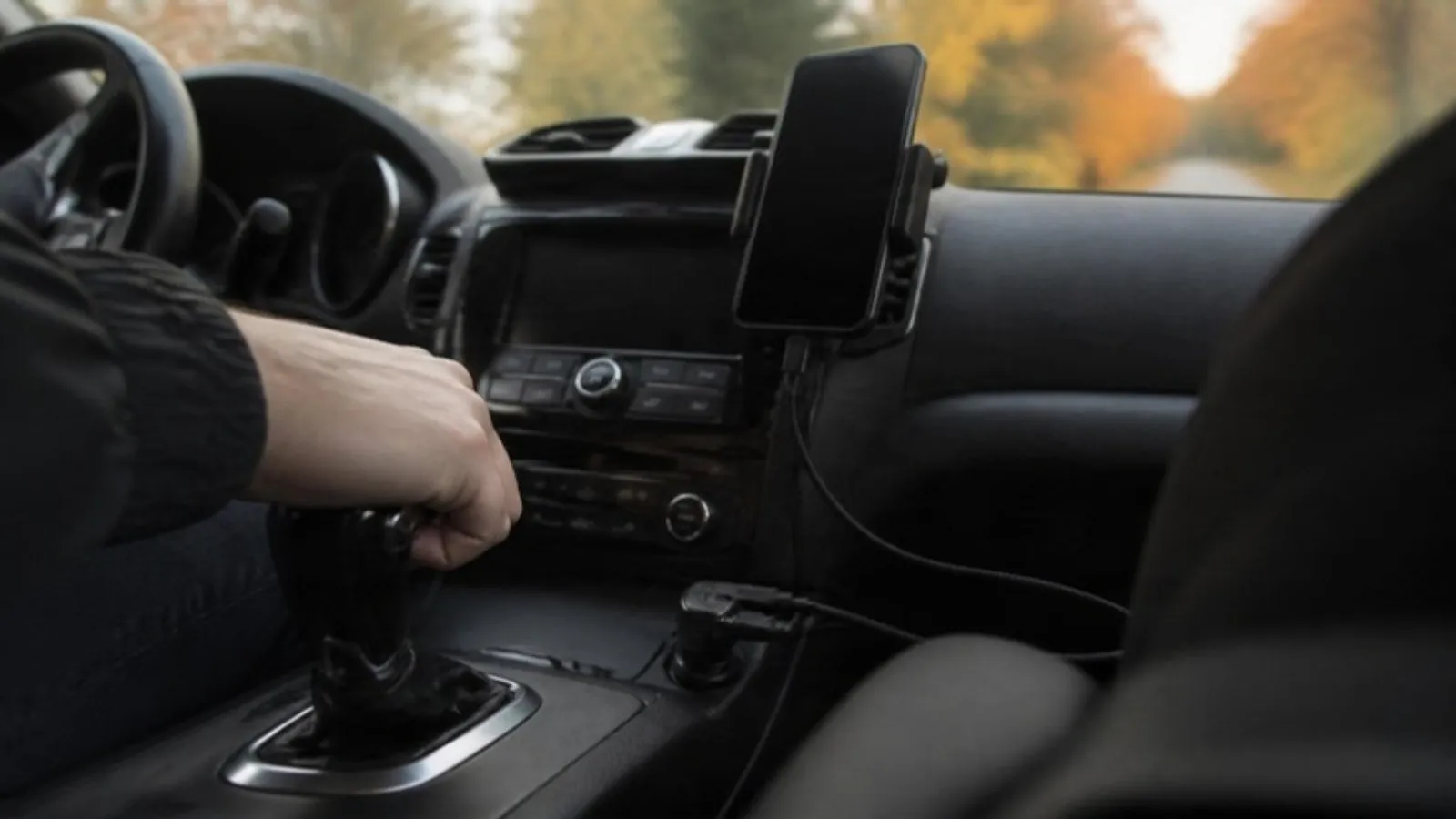
Why your car charges your phone slowly, and how to fix it: USB-C PD vs Quick Charge, the watts iPhones and Galaxy phones need, the right cable, battery drain.
Short answer: Use a 12V socket charger with a USB-C Power Delivery (PD) port and a good USB-C cable. Recent iPhones and Galaxy phones fast charge over USB PD, while an old USB-A port or a basic adapter gives you trickle speeds. Unplug everything when the engine is off.
Why your car charges your phone so slowly
Most of the time it's the port, not the phone. A lot of built-in USB ports, especially in older cars, were put there for music and phone mirroring, not for charging. They put out basic USB power and nothing more. Cheap 12V adapters often do the same.
Your phone also uses power while it charges. Run maps and music with the screen at full brightness on a slow port and the battery can barely move, or even drop on a long drive.
USB-A vs USB-C
USB-A is the older rectangular plug. USB-C is the small oval one that fits either way up. The shape isn't what makes charging fast. What matters is the charging standard the port speaks, and USB-C is where the modern one lives.
USB Power Delivery runs over USB-C. The phone and the charger talk to each other and agree on a voltage before the power ramps up, so the phone only gets what it can safely take. The USB Implementers Forum says the newest PD spec goes up to 240 W, which is laptop territory. Phones use a small slice of that.
USB Power Delivery vs Quick Charge
Quick Charge is Qualcomm's fast charging system. Older versions (like Quick Charge 3.0) are common on USB-A ports. Qualcomm says Quick Charge 4 is compliant with USB Type-C and USB Power Delivery, so newer chargers usually cover both.
Here's what the phone makers say:
• Apple: iPhone 15 and later fast charge with an 18 W or higher USB-C adapter, or a third party USB-C adapter that supports USB PD. The iPhone 17e and iPhone Air reach up to 50% in about 30 minutes with a 20 W or higher adapter. The iPhone 17, 17 Pro and 17 Pro Max reach up to 50% in about 20 minutes with a 40 W or higher adapter. Older iPhones fast charge with a USB-C to Lightning cable.
• Samsung: Super fast charging works on select Galaxy phones with a 25 W or 45 W charger. Samsung says it needs a USB PD charger that supports Super fast charging, and for 45 W it recommends a USB-C to USB-C 5A cable. Not every Galaxy supports 45 W, and the phone picks the best speed it supports.
So for both brands, a USB-C PD port is the one to look for. Apple also notes that fast charging may not work when the phone is too hot or too cold. A phone on a sunny dash in July or in a car sitting at 0 °F (-18 °C) can charge slower until it warms up or cools down.
The cable matters more than you think
A fast charger with a worn out cable is a slow charger. Look for:
• USB-C to USB-C for PD on Android phones and iPhone 15 or later. Use USB-C to Lightning on older iPhones.
• A cable rated for the wattage you want. A 60 W cable is plenty for a phone that charges at 20 W to 40 W.
• A 5A cable if you have a Galaxy that supports 45 W and you want that top speed, as Samsung recommends.
• Strain relief and a braided jacket. Car cables get yanked, pinched in doors and baked in summer.
• The right length. About 6 ft (1.8 m) reaches the back seat. Shorter is tidier up front.
Dash cam and phones on one socket
Many cars only have one 12V socket, and a dash cam takes it. A multi-port charger fixes that. If your dash cam's power cord ends in a USB plug, run it to one of the USB-A ports and keep the USB-C PD port for your phone. If the dash cam has its own 12V plug, you'll need a socket splitter or a hardwire kit. Our guide to dash cam hardwire kits explains that option.
Check your owner's manual for the socket's fuse rating, and don't stack splitters on splitters.
Charging with the engine off drains the battery
In many cars the 12V socket stays live after you turn off the ignition. AAA warns that a charger or dash cam left plugged in keeps drawing current and slowly wears down the battery's ability to start the car. AAA also notes that freezing weather slows the chemical reactions inside the battery. A battery that's already weak at 20 °F (-7 °C) has less to spare.
• Unplug chargers before you shut off the engine, unless your socket turns off with the key.
• Don't sit with the engine off charging three phones for an hour.
• Keep a jump starter in the car for winter. Here's how to use one.
What we carry
Our Multi-Port Fast Car Charger plugs into the 12V socket and has one USB-C PD port, one fast USB-A port and two USB-A 3.1A ports, so a phone, a passenger's phone and a USB powered dash cam can all share one socket. Pair the PD port with our Braided USB-C Cable, 6 ft, which is USB-C to USB-C and rated up to 60 W PD.
Frequently asked questions
Is fast charging in the car bad for my battery?
With a PD charger, the phone controls how much power it takes. Heat is the bigger worry, so keep the phone out of direct sun and off hot vents.
Why does my iPhone charge slowly even with a USB-C charger?
Check that the port supports USB PD, that the cable is in good shape, and that the phone isn't too hot or cold. Apple's fast charging page covers all three.
Can I use a USB-A to USB-C cable?
It will charge, but USB PD needs USB-C on both ends. For the fastest speed, use the USB-C port with a USB-C to USB-C cable.
Sources
• Apple Support: Fast charge your iPhone
• Samsung US: How to fast charge your Galaxy phone or tablet
• Samsung UK: How to fast charge Galaxy S24 series wired or wirelessly
• USB-IF: USB Charger (USB Power Delivery)
• Qualcomm: Quick Charge 4, five minutes of charging for five hours of battery life
• AAA: Don't Fall for These Silent Battery Drains