
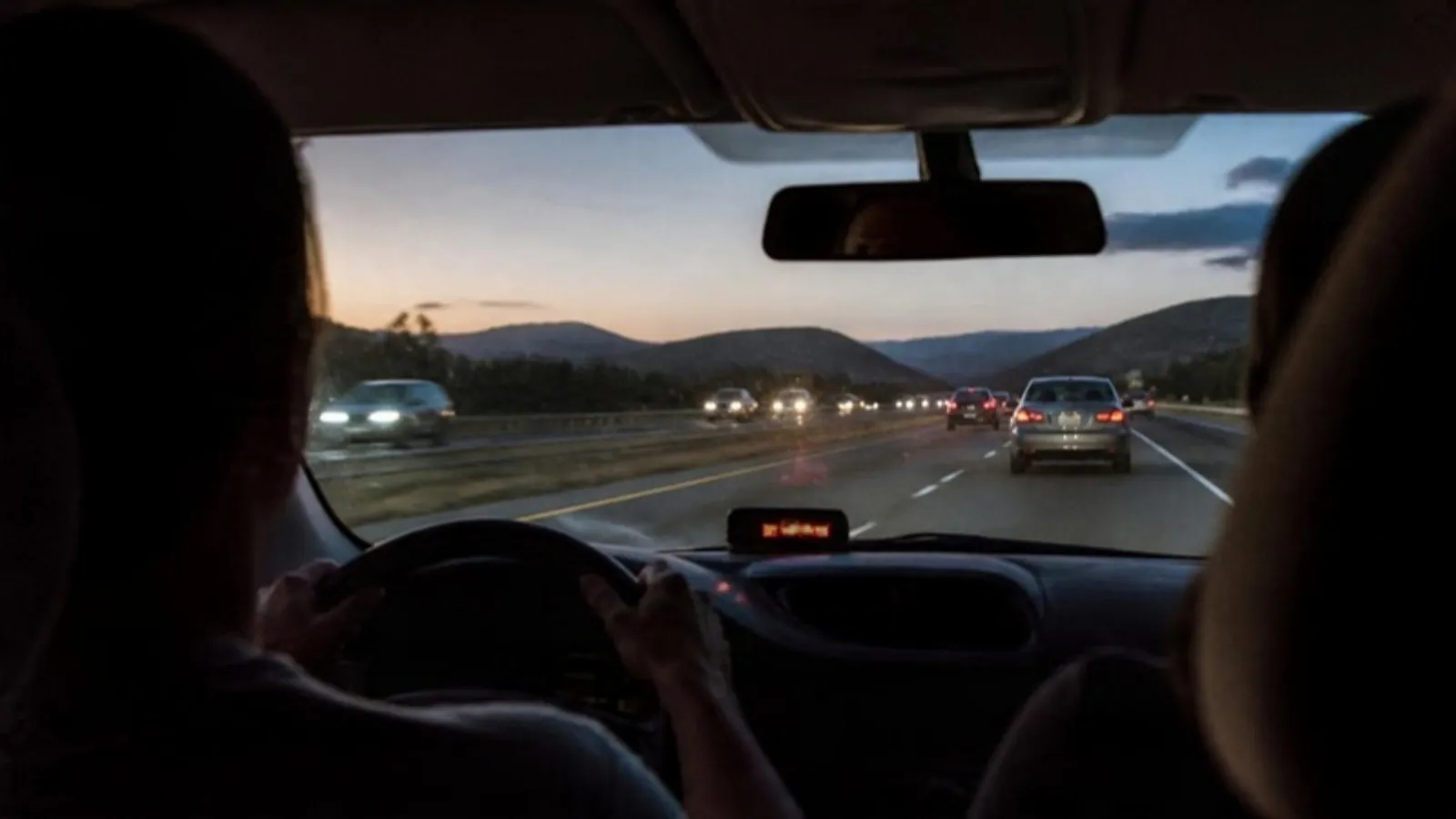
How a head-up display for your car works, OBD-II vs GPS units, what NHTSA research says about eyes-off-road time, legal placement and a simple setup guide.
Short answer: A head-up display (HUD) puts your speed close to your line of sight so you look down less. Built-in HUDs project onto the windshield. Aftermarket units sit on the dash and read speed either from the car's OBD-II port or from GPS. NHTSA research found drivers spent less time looking at a HUD than at a regular display, but a HUD does not make you a safer driver on its own.
What a head-up display actually does
A regular speedometer sits below the windshield, so every check means eyes down, then back up and refocus on the road. A HUD moves that number higher, closer to where you are already looking.
There are two broad kinds for cars:
• Built-in (factory) HUDs project an image that appears to float out past the hood. They usually show speed, navigation arrows and some warnings.
• Aftermarket HUDs sit on top of the dashboard. Some reflect an image onto the glass or a small clear screen. Others, like simple LED speed displays, are a bright readout placed just below your line of sight.
OBD-II vs GPS head-up displays
Aftermarket units get their speed in one of two ways.
OBD-II units plug into the diagnostic port under the dash. The EPA says all 1996 and newer passenger vehicles in the US are required to have on-board diagnostic (OBD) systems. They can show engine data like RPM, not just speed. The trade-off: you plug a device into the car's computer port, and compatibility varies by vehicle.
GPS units calculate speed from satellite position. They do not connect to the car's computer at all, so they work in pretty much any vehicle with a USB port or 12V socket, old or new, gas or electric. Easy to move to a second car or a rental. The limits are real, though:
• They need a view of the sky. GPS.gov notes that accuracy gets worse near buildings, bridges and trees, and that indoor or underground use is a common cause of poor accuracy.
• Tunnels and parking garages. The signal drops out. Expect the display to freeze or go blank until you are back outside.
• A small lag. GPS speed is worked out from position updates, so it can lag slightly behind your real speed when you speed up or brake hard.
Do HUDs reduce eyes-off-road time?
Somewhat. The best recent data comes from a 2023 NHTSA report, Head-Up Displays and Distraction Potential, carried out by the Virginia Tech Transportation Institute with 48 drivers. When drivers read speed or direction information, eyes-on-display time was 29.8% of the task with the factory HUD, versus 42% with the regular dash display and with a phone mounted on the windshield.
The same report had catches:
• Total task time was about the same across the three displays. The HUD saved glance time, not overall time.
• During plain driving, people spent more of their time looking at the HUD (11%) than at the dash display (5.8%). The authors think novelty may explain part of that, and total dwell time stayed under 2 seconds.
• When a box was dropped on the road as a surprise test, reaction times did not differ much between displays. Several HUD drivers did not notice the box at all.
An older NHTSA literature review from 1995 reached a similar view: HUD advantages showed up mainly in simple, low workload conditions, and drivers can still miss things outside the car while looking at the display. That effect is called cognitive capture.
Our honest take: a HUD can shorten each speed check. It does not make you see more of the road, and a busy, flashing HUD can pull your attention the wrong way. Use it as a speedometer, not a screen to watch.
Where it is legal to put one
Placement rules vary by state and province, so check yours. As one example, California Vehicle Code section 26708 bans most objects on the windshield, with small exceptions. A portable GPS, for instance, may go in a 7 inch (about 18 cm) square in the lower corner farthest from the driver, or a 5 inch (about 13 cm) square in the lower corner nearest the driver, outside the airbag zone. Pennsylvania's law bans objects placed so they materially obstruct the driver's view through the windshield.
A small unit sitting on the dash, below your line of sight, is the safest setup in general. Canadian provinces have their own rules on windshield obstructions, so check with your province's transport ministry.
How to set up a dash HUD
• Pick a spot on the dash in front of the driver, low enough that the display does not cover any part of the road you need to see.
• Keep it away from airbag covers. Check your owner's manual for where the passenger and driver airbags open.
• Route the cable along the edge of the dash so it cannot hang near the pedals or steering wheel.
• For GPS units, give the first fix a few minutes with a clear view of the sky.
• Compare the reading with your speedometer on a straight, steady stretch of highway, then set the brightness so it is easy to read without glare.
Our pick for a simple speed display
If you want speed higher in your view without plugging anything into the car's computer, our head-up speed display shows GPS speed on a 2.4 inch LED display that sits below your line of sight and runs on USB power. Because it uses GPS, the limits above apply: it needs a view of the sky and will drop out in tunnels. Our guide on dash cam laws in the US and Canada covers windshield mounting rules too.
Frequently asked questions
Do GPS head-up displays work in any car?
In most cars, yes. They only need power from USB or a 12V socket and a view of the sky. They do not read data from the car, so they cannot show RPM or engine warnings.
Is a HUD safer than looking at the speedometer?
NHTSA's 2023 study found shorter eyes-on-display time with a HUD for speed checks, but no clear difference in reaction to a surprise hazard. Treat it as a small help, not a safety system.
Is it legal to have a HUD on my dashboard?
Rules differ by state and province. Most focus on objects that block your view through the windshield. A low dash unit is usually less of an issue than anything stuck on the glass, but check your local law.
Sources
• NHTSA: Head-Up Displays and Distraction Potential (DOT HS 813 293, 2023)
• NHTSA: Human Factors Aspects of Using Head Up Displays in Automobiles: A Review of the Literature (1995)
• US EPA: EPA Improves Ability of Service and Repair Information for Vehicles with On-Board Diagnostic (OBD) Systems (2003)
• GPS.gov: GPS Accuracy
• California Vehicle Code section 26708 (Justia)
• Pennsylvania General Assembly: Title 75, Section 4524 (windshield obstructions)