
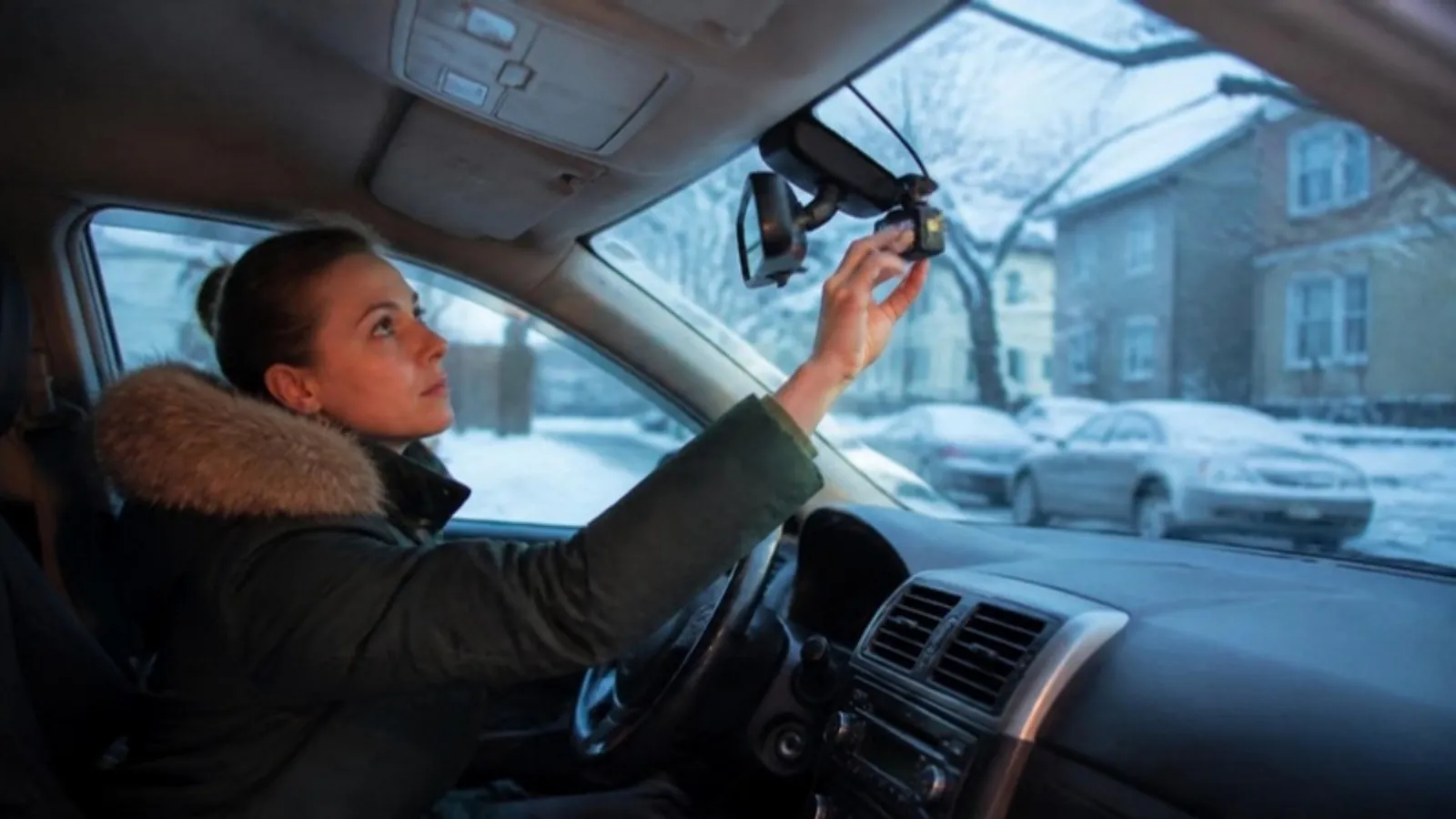
How to choose a dash cam in 2026: 1, 2 or 3 channels, resolution, night video, card size, power, parking mode, WiFi, GPS and what to spend on it.
Short answer: Decide how many cameras you need first. Most commuters are best served by a front and rear dash cam, rideshare and delivery drivers should get a third camera that films the cabin, and a front-only unit is fine if money is tight. After that, check night video, a memory card big enough for your setup, and how the camera will get power when the car is parked.
Step 1: 1, 2 or 3 channels
A channel is one camera. This choice drives the price, the install and what you can prove later, so make it first.
• Front only. Films the road ahead. It catches the driver who runs a red or cuts into your lane. Cheapest and quickest to install.
• Front and rear. Adds a small camera on the rear window. A front camera can't show who hit you from behind, and rear-end bumps are exactly what happens in stop-and-go traffic and on icy mornings.
• Front, rear and cabin. Adds a lens aimed at the inside of the car, usually with infrared lights so it sees faces in the dark. Made for rideshare, delivery or a new teen driver.
My rule of thumb: daily commute in traffic, go with two channels. Passengers for pay, go with three (our rideshare dash cam guide goes deeper). Second car that sees short trips, one channel is enough. If you plan to record passengers or audio, read are dash cams legal in the US and Canada first, since the rules on recording and mounting change by state and province.
Resolution and field of view
More pixels help you read plates and signs, up to a point. In 2026, 1080p is the floor. A 2K front camera is the sweet spot for most people, and 4K gives the most detail in daylight but fills cards faster. Rear cameras are usually 1080p, which is fine because the car behind you is close.
Field of view is a trade-off. Around 140 degrees covers several lanes without stretching everything too much. Go much wider and plates get smaller in the frame. We compare real plate readability in 4K vs 2K vs 1080p.
Night and winter video
From November on, many drivers in Canada and the northern states commute both ways in the dark, so night video matters as much as the daytime spec. Look for owner clips shot at night in the rain, not marketing stills.
Two things help more than any spec sheet. Clean the inside of the windshield, because the haze that builds up there blurs night footage. And mount the camera inside the wiper sweep so snow and salt spray don't sit in front of the lens. If your car sits outside on nights well below 0 °F (-18 °C), or bakes in summer, check the operating temperature range in the manual before you buy.
Memory card size and type
Dash cams record in a loop. When the card is full, they delete the oldest unsaved video to make room, as Garmin's manual puts it. Card size decides how far back you can go before a clip disappears.
BlackVue's own chart shows a 64 GB card holding about 5 hours of 1080p front-only video on one of its models, and about 3 hours 40 minutes once a rear camera is added. A 128 GB card roughly doubles that. More resolution and channels eat space faster, so a 2K or 3-channel setup wants 64 to 128 GB, if the camera supports it.
Buy a card made for video. The SD Association explains that the number after the V in the speed class is the minimum sustained speed in MB/s, so V30 means 30 MB/s. More in our microSD card guide.
Power and parking mode
Most dash cams plug into the 12V socket. Easy, but in many cars that socket turns off with the ignition, so nothing records while you're parked. Consumer Reports describes parking mode as recording that starts if the car is jarred while parked. For that, the camera needs constant power, usually through a hardwire kit with a low-voltage cutoff that protects the battery. A cold January battery has less to spare, so set the cutoff conservatively. See our parking mode and hardwire kit guide and the front and rear install guide.
WiFi, GPS and a screen
WiFi lets you pull a clip to your phone at the scene without removing the card. After a crash, you'll be glad you have it. GPS stamps speed and location on the video, which helps show where you were and how fast you were going. A screen is handy for aiming the lens, but with a good phone app it's optional.
Budget: what the money buys
Consumer Reports notes that some dash cams cost as much as $400. You don't need to. In our lineup, about $50 gets a 2K front camera with WiFi, $80 to $90 gets front and rear, and around $110 gets three channels with GPS. Spend on channels first, then on night video, then on extras.
If you want a simple start, the 2K WiFi Dash Cam with Screen ($49.99, US only) is front only, 140 degrees, and comes with a 32 GB card. For most commuters, the 2K Dual Dash Cam Front and Rear ($89.99) ships to the US and Canada, pairs a 2K front with a 1080p rear, and comes in versions with a 64 GB card or with GPS. Rideshare drivers in the US can look at the 2K Three Channel Dash Cam with GPS and WiFi ($109.99), which adds a cabin camera with 4 infrared lights, GPS, a parking monitor and support for cards up to 128 GB.
Frequently asked questions
Is 4K worth it over 2K?
4K gives more daylight detail, but files are bigger and night footage depends more on the sensor than on pixel count. For most drivers, a good 2K camera is the better buy.
Do I really need a rear camera?
If you drive in traffic, yes. A front camera can't show a rear-end hit.
What size microSD card should I buy?
For a front-only camera, 32 to 64 GB is fine. For front and rear or three channels, aim for 64 to 128 GB, and never go above the maximum your camera supports.
Will a dash cam drain my car battery?
Not on a 12V socket that switches off with the car. Parking mode is different: use a hardwire kit with a low-voltage cutoff, especially in winter.
Sources
• Consumer Reports: Best Dash Cam Reviews and Buying Guide
• Garmin: Dash Cam 46/56/66W manual, Dash Cam Recording
• BlackVue: How Long Does Dash Cam Footage Last?
• SD Association: Choosing the SD Speed Class That's Right for You