
NOAA Weather Radio, Wireless Emergency Alerts, text instead of calls, keeping phones charged and a family communication plan, based on NWS, FEMA, FCC and Ready.gov.
Short answer: do not count on one channel. Keep Wireless Emergency Alerts turned on in your phone settings, and keep a battery-powered or hand-crank radio that can receive NOAA Weather Radio, which broadcasts 24 hours a day from the National Weather Service. When networks are busy, send a text instead of calling. Charge phones and power banks before the storm, and set up a family communication plan with an out-of-area contact and a paper list of numbers.
Ready.gov warns that winter storms can cut off heat, power and communication services, and that power outages can disrupt communications. The FCC adds that when many people try to call at the same time, the extra volume can congest the network. A good alert plan uses several paths so that one failure does not leave you in the dark.
Wireless Emergency Alerts: already on your phone
Wireless Emergency Alerts (WEA) are short messages sent by authorized government agencies, including the National Weather Service, through your mobile carrier. According to the NWS and Ready.gov:
• No signup is required, and there is no charge.
• WEA messages are not affected by network congestion, so they can arrive when calls and texts are not getting through.
• They look like a text message but come with a special tone and vibration, repeated twice.
• If you travel into a threat area after an alert was sent, a WEA-capable phone receives it when you enter the area.
Take two minutes now to check your settings. Ready.gov notes that older phones may not be WEA-capable, some models require you to enable the alerts, and some carriers call them "Government Alerts" or "Emergency Alert Messages."
WEA messages are short, up to 360 characters on 4G LTE and newer networks. The NWS says to follow the action the alert advises and then look for more details from TV, radio, NOAA Weather Radio or another trusted source.
NOAA Weather Radio: alerts with no cell or internet
NOAA Weather Radio All Hazards is a nationwide network of radio stations broadcasting weather information directly from the nearest National Weather Service office. The NWS says it broadcasts official warnings, watches, forecasts and other hazard information 24 hours a day, 7 days a week, through more than 1,000 transmitters covering all 50 states, adjacent coastal waters and US territories. Through the Emergency Alert System, it also carries non-weather emergencies, including notices of 911 telephone outages.
The key detail: NOAA Weather Radio needs a receiver or scanner that can pick up its signal. Broadcasts use seven VHF frequencies between 162.400 and 162.550 MHz. A regular AM/FM radio will not get them unless it has a weather band. When you shop, look for a radio that lists the NOAA weather band. The NWS website has a station search to find the transmitter that serves your county.
Why a hand-crank radio belongs in the kit
Ready.gov's basic kit includes a battery-powered or hand-crank radio and a NOAA Weather Radio with tone alert, and the Red Cross recommends communication devices that work without home power, including a crank or battery radio. A hand-crank model is a strong choice for a power outage because you can power it by hand when the batteries and outlets are gone. If you buy one, pick a model with the NOAA weather band and keep spare batteries anyway.
Broadcast radio and TV
The Emergency Alert System sends warnings through broadcast TV and radio, satellite and cable. Ready.gov notes it is also used when all other means of alerting the public are unavailable. A battery radio, or the radio in your car, can pick up local stations during an outage. If you use the car, run it outdoors only: the CDC says never run a car or truck inside a garage attached to a house, even with the door open.
Local alerts and the FEMA App
Ready.gov suggests signing up for your community's warning system. The NWS explains that these local call, text and email alerts complement WEA and often include more detail. The FEMA App can send NWS weather alerts for up to five locations, which helps if you want to follow a relative in another state. Both depend on a working data or cell connection, so treat them as extras on top of the radio.
When the network is jammed: text, do not call
The FCC's tips for communicating in an emergency:
• Try a text message. In many cases a text will go through when a call will not.
• Limit non-emergency calls, and keep any call brief. This frees up the network and saves battery.
• If a call fails, wait 10 seconds before redialing.
• Try another service if one is down: text, email, or a landline if you have one.
• Keep at least one corded phone that does not depend on electricity. Cordless phones usually will not work in a power outage.
Ready.gov adds a question worth answering before the storm: will your home phone work in an outage, and how long will its battery backup last?
Keeping phones charged without the grid
Ready.gov's kit lists a cell phone with chargers and a backup battery, and the FCC suggests charged batteries and car-charger adapters. Charge every phone and power bank to full when a storm appears in the forecast. During a long outage, the Red Cross notes that communities often open charging stations.
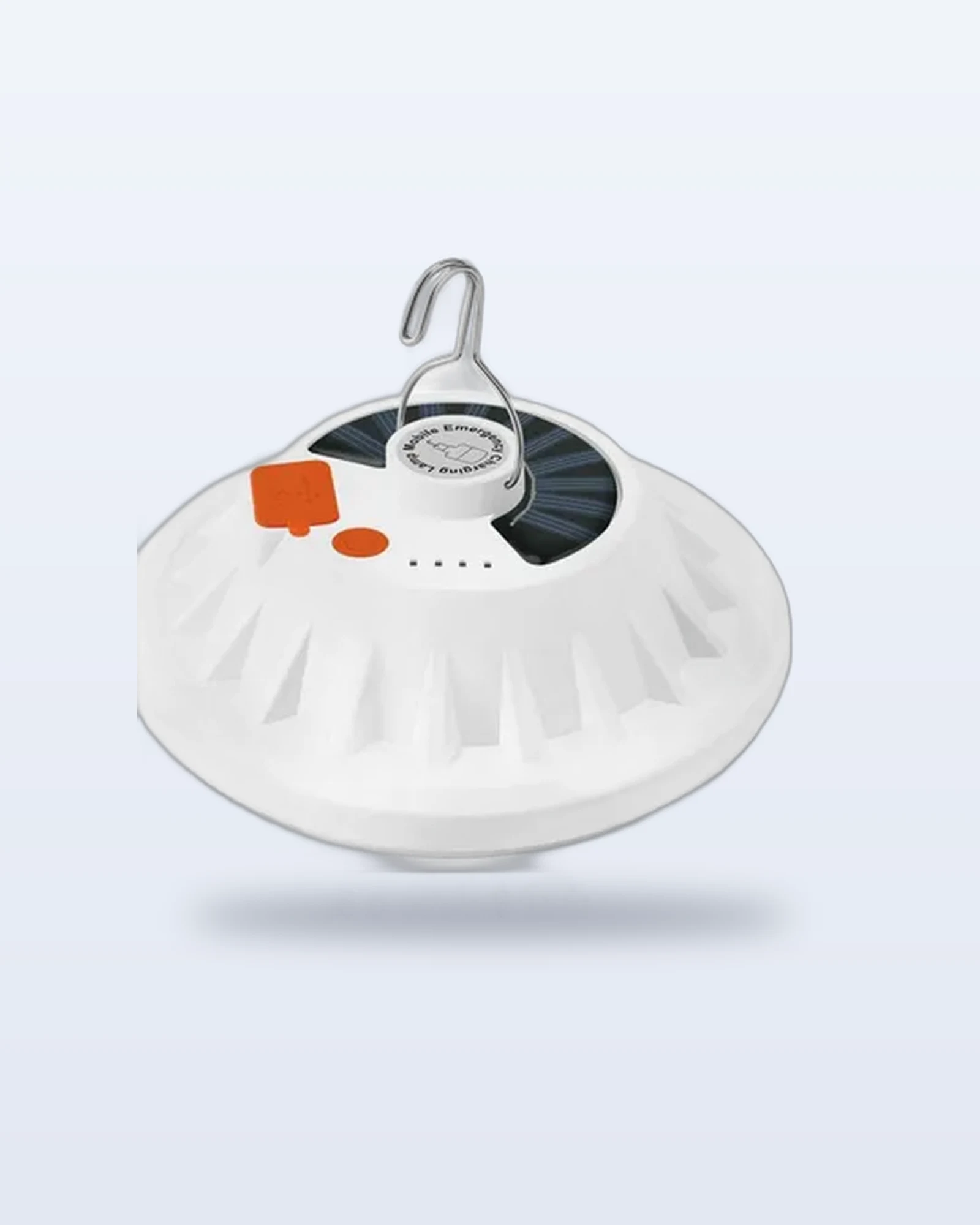
Some outage gear can top up a phone as a side job. The Solar and USB Rechargeable LED Lantern ($29.99, ships in the US) has a USB port to top up a phone in a pinch, and it can recharge itself slowly from the sun. Its battery capacity is not stated by the maker, so count on a small top-up, not a full charge. The Rechargeable Hand Warmer with USB Output ($39.99, ships in the US) has a 5 V, 1.5 A USB output. Both need to be charged before the storm to be any help. See our Emergency collection for more.
Make a family communication plan
Ready.gov points out that your family may not be together when a disaster strikes. Its plan steps:
• Talk as a household about how you will receive alerts and how you will contact one another.
• Choose a family meeting place that is familiar and easy to find.
• Write the plan down. Ready.gov offers a fillable family emergency plan form and a wallet-size communication card.
• Practice it.
The FCC suggests naming someone out of the area as a central contact so everyone knows who to check in with if you get separated. The Red Cross recommends keeping a paper copy of your contact list, since a dead phone takes your contacts with it. For the rest of your supplies, see our 72-hour power outage kit checklist.
In any emergency, call 911.
Frequently asked questions
Do I need to sign up for Wireless Emergency Alerts?
No. The NWS says no signup is required and alerts are sent automatically to WEA-capable phones. Check your phone settings to make sure they are turned on.
Will alerts reach me if the cell network is overloaded?
The NWS and Ready.gov say WEA messages are not affected by network congestion. Calls and regular texts can still fail, which is why a radio is a good backup.
Can any radio receive NOAA Weather Radio?
No. The NWS says it requires a special receiver or scanner capable of picking up the signal on its VHF frequencies. Look for a radio that lists the NOAA weather band.
Sources
• National Weather Service: NOAA Weather Radio
• National Weather Service: Wireless Emergency Alerts
• Ready.gov: Emergency Alerts
• Ready.gov: Build a Kit
• Ready.gov: Make a Plan
• Ready.gov: Power Outages
• FCC: Tips for Communicating in an Emergency
• American Red Cross: Power Outage Safety
• CDC: Carbon Monoxide Poisoning Basics